 2 minute read
FARO Scan subscription explained: SCENE and Sphere XG in one package
FARO Scan brings SCENE desktop software and Sphere XG cloud collaboration into one subscription, connecting how you process scan data with how your team shares and uses it.
Three packages, Essential, Professional and Enterprise, provide different levels of user access, storage and processing capacity. Subscriptions are available for one or three years, with a Rovi i.1 walk-and-scan device included in the three-year package.
From processing scans to sharing project information
SCENE and Sphere XG support two connected parts of your workflow.
SCENE prepares the data. FARO’s desktop software lets you process and register scans, bringing individual captures together into a coordinated point cloud for further use.
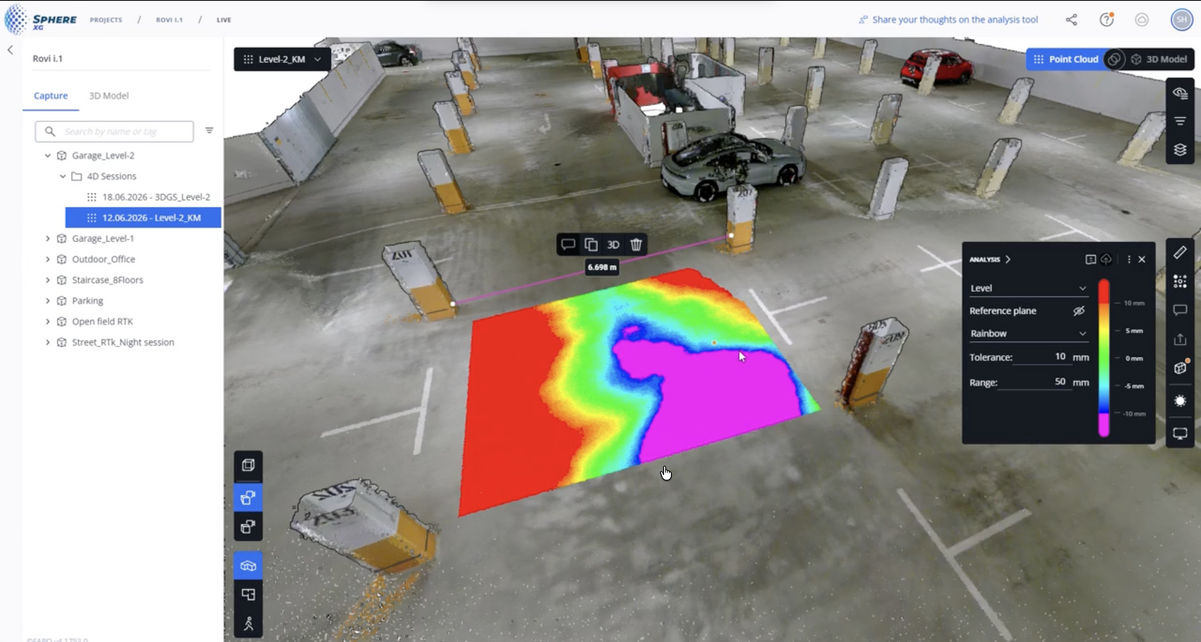
Sphere XG makes it accessible. FARO’s cloud platform lets you manage, view and share point clouds, 360° photographs and 3D models through a web browser, helping colleagues and customers review information remotely.
Together, they support the handover from the people capturing and processing data to those using it for design, planning and project decisions.
What does that mean in practice?
Imagine documenting a building before refurbishment. Your team captures the site and prepares the scan data in SCENE. Through Sphere XG, colleagues can then review the recorded conditions remotely.
A designer can explore the existing layout. A project manager can discuss a particular area with a contractor. The scanning team has a shared reference to answer questions about what was captured.
That can mean fewer file transfers, less time preparing individual screenshots and easier access to the information behind project discussions.
For teams already using SCENE, the opportunity is to make the data they produce more useful to everyone involved.
Which FARO Scan package fits your team?
Every package includes SCENE and Sphere XG. The main differences are the number of users and SCENE seats, cloud storage and annual token allowance.
Scan Essential
For individuals managing scan processing and online project information.
- 1 full user and 1 SCENE seat
- 1 TB cloud storage
- 4,000 annual tokens
Scan Professional
For teams sharing work across field and office roles.
- 3 full users and 3 SCENE seats
- 2 TB cloud storage
- 12,000 annual tokens
Scan Enterprise
For broader use across multiple projects and sites.
- 5 full users and 5 SCENE seats
- 4 TB cloud storage
- 24,000 annual tokens
Choose according to how often you scan, how much data you retain and who needs to work with it. A small team with a busy scanning schedule may need more capacity than a larger organisation capturing sites occasionally.
What are tokens used for?
Each Scan package includes an annual token allowance for tasks such as:
- Processing scans, point clouds and drone photogrammetry data.
- Creating Gaussian splats for immersive 3D visualisation.
- Importing CAD models into Sphere XG.
Token usage varies by task, so the right allowance depends on the data you work with and the outputs you need. Synergy Group can help you assess your expected use when choosing a package.
Choose three years and get Rovi i.1
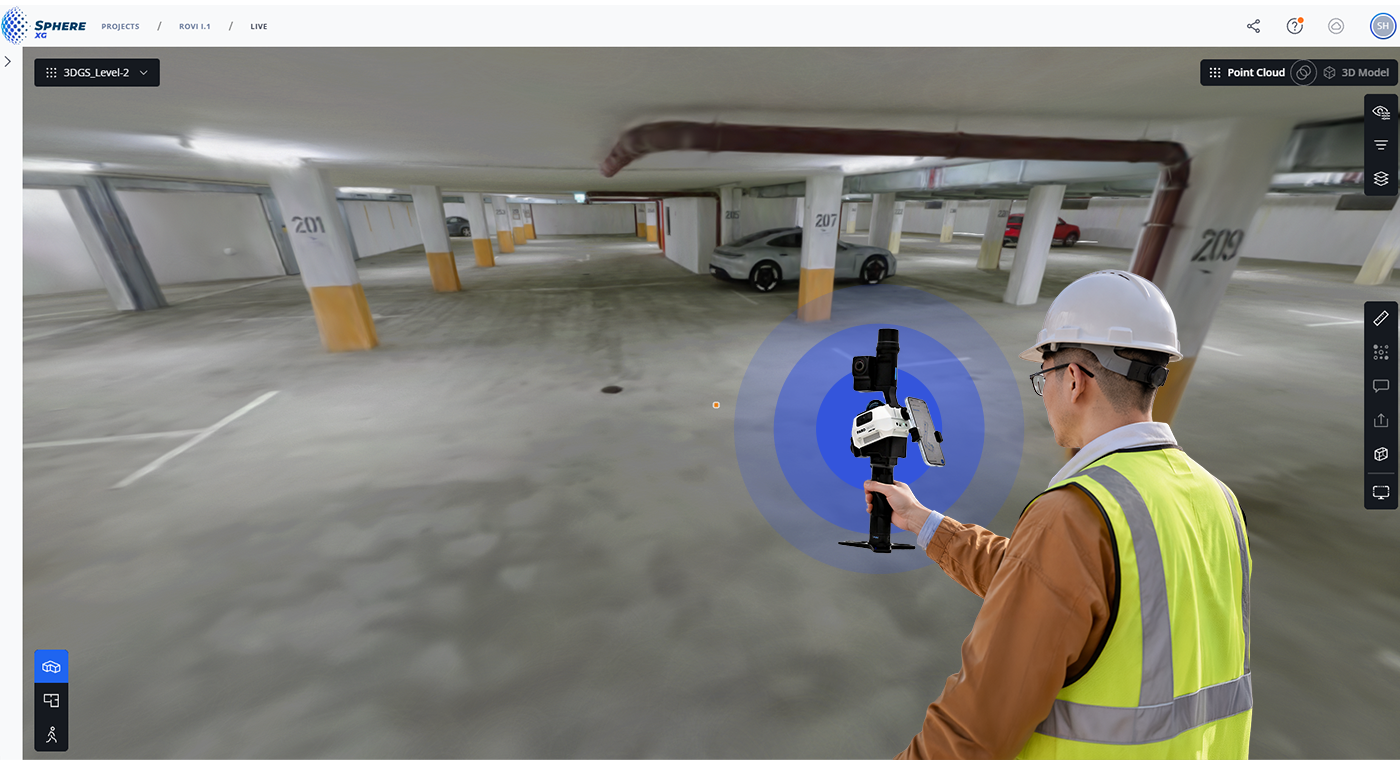
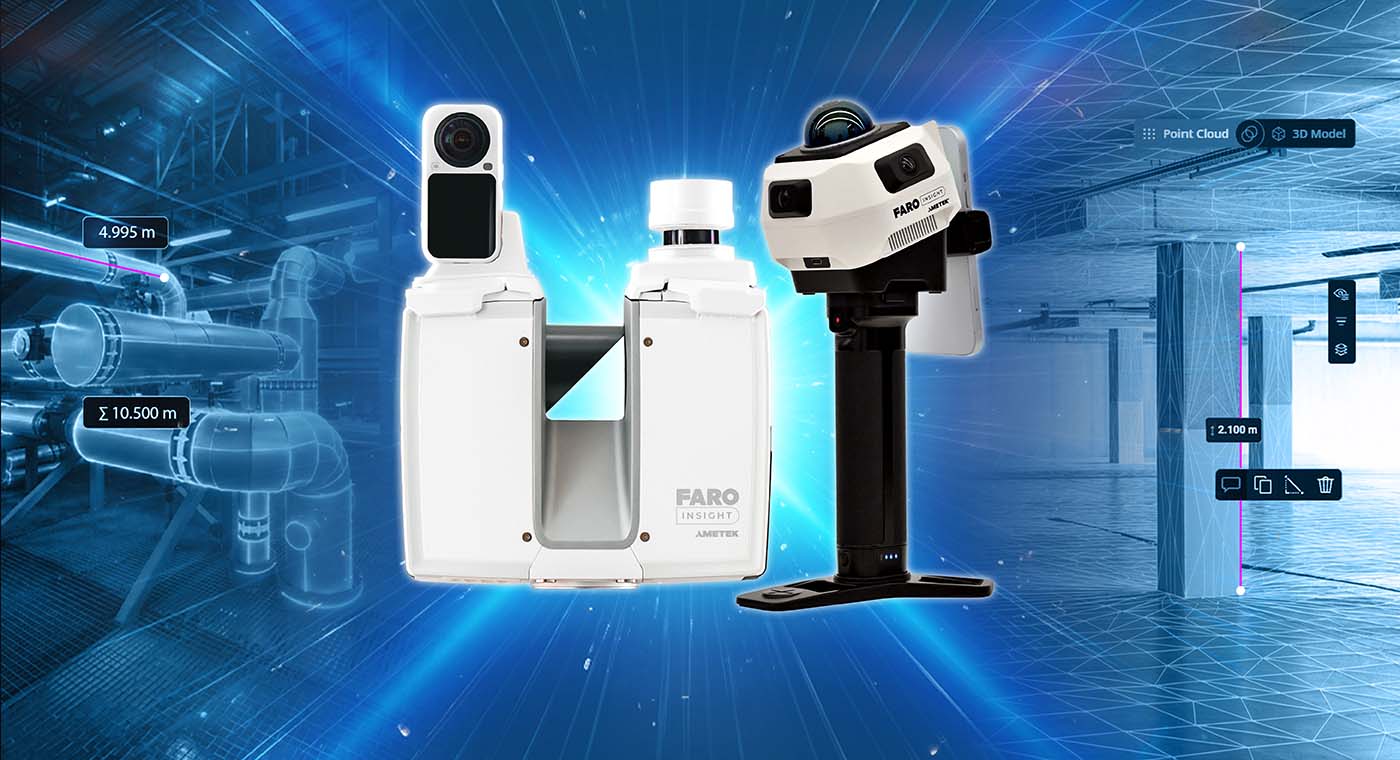
The three-year Scan subscription includes a Rovi i.1 walk-and-scan device, bringing capture hardware, desktop processing and cloud collaboration into one package.
For new users, it offers a way to establish a reality capture workflow. For existing scanning teams, it provides an opportunity to add mobile capture to their equipment portfolio.
Explore FARO Rovi i.1 and its applications →
Already using SCENE?
Whether you’re looking to add cloud collaboration, support more users or review an upcoming renewal, Synergy Group can help you understand how FARO Scan fits your current setup.
A three-year subscription also lets you add Rovi i.1 to your equipment portfolio at no additional cost.

 4 minute read